
Your POS and the API
Ratings on your own POS through the Integration API, without Stamp cards: API keys per Staff Login, the printed-QR link on a receipt, reviews by Webhook.
Updated
Ratings on your POS
A POS connected through the Integration API gets the rating screen with each purchase it reports. No Stamp cards are needed: on a Business without them the purchase is answered with the rating screen alone, and a review can be sent for a guest with no card.
When the POS sends the order id, every option carries the page it leads to — a private page for the manager after a negative rating, a page that can offer a Google review after a neutral or positive one. The Google page is spaced out, so not every happy Customer is offered it.
The POS asks only while a plan with Customer feedback is active and Collecting feedback is on.
Can our POS ask for a rating if we don’t use Stamp cards?
Yes. On a Business without Stamp cards each purchase the POS reports gets the rating screen alone.
Why does the POS show no follow-up page after a rating?
The POS did not send the order id. With it, every option carries its follow-up page.
Why isn’t every happy Customer on our POS offered Google?
The offer is spaced out — at most once in ninety days for a Customer the POS identifies; otherwise every fifth purchase at a terminal, at most twenty times a day.
API keys
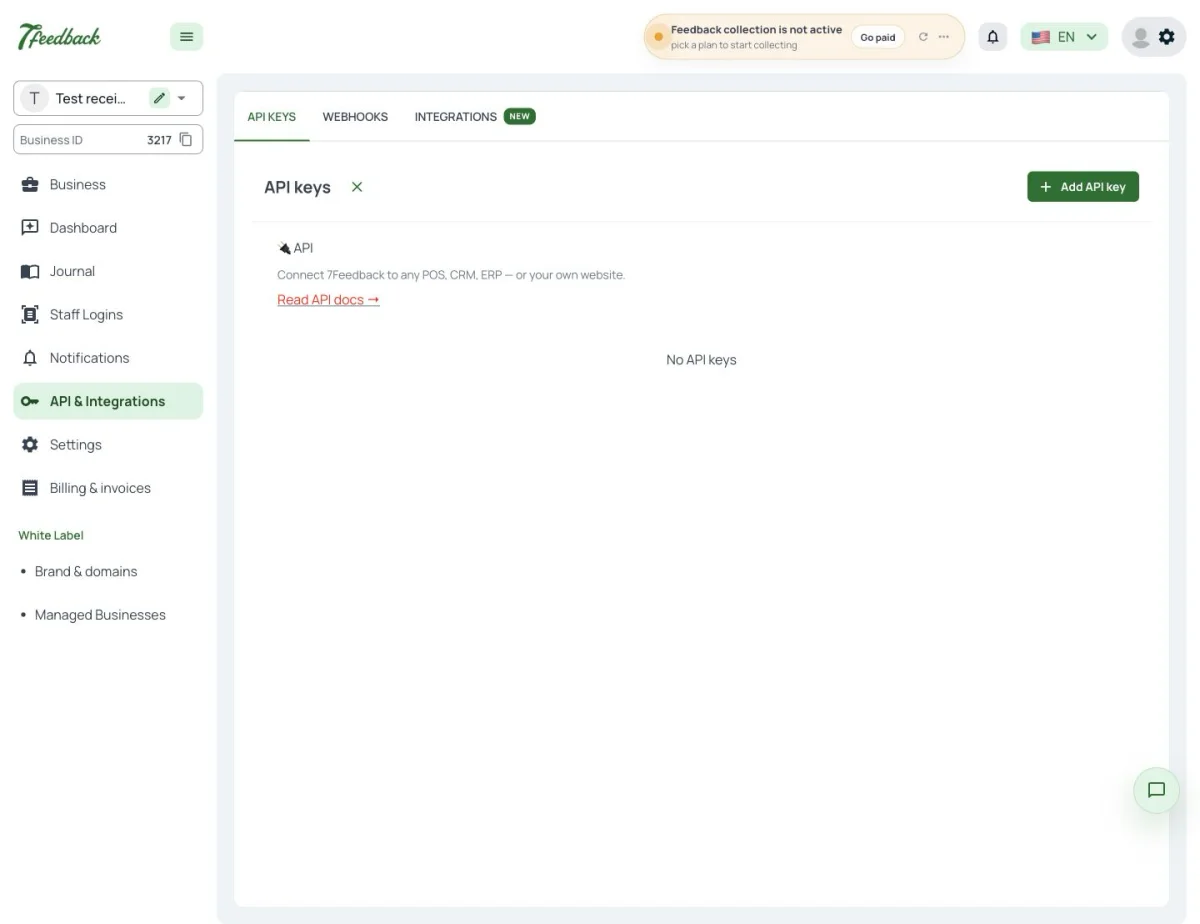
API & Integrations has three tabs: API keys, Webhooks and Integrations. Every API key is bound to one Staff Login, so the ratings a POS sends are counted under that Staff Login. With no Staff Login yet, Add API key offers to create one in place. The page needs Editor or Admin.
Where do I get an API key for our POS?
In API & Integrations → API keys, with Add API key. Each key is bound to one Staff Login.
We have three tills. How many API keys do we need?
One per Staff Login. A till that should be counted on its own needs its own Staff Login and key.
Who can create API keys?
Users with Editor or Admin.
The printed-QR link on a receipt
Through the API a POS can fetch the printed-QR link of its Staff Login and show it on its own screen or print it on the receipt. The link opens the same rating page as the printed QR, on my.7feedback.com or on a White Label partner’s own domain.
Can we print the feedback QR on our receipts?
Yes. The POS fetches its Staff Login’s printed-QR link through the API and prints it.
Is the receipt link different from the sticker on the counter?
No. It is the same link as the Staff Login’s printed QR.
Which domain does the link use?
my.7feedback.com, or the my. address of a White Label partner’s domain.
Reviews in your own systems
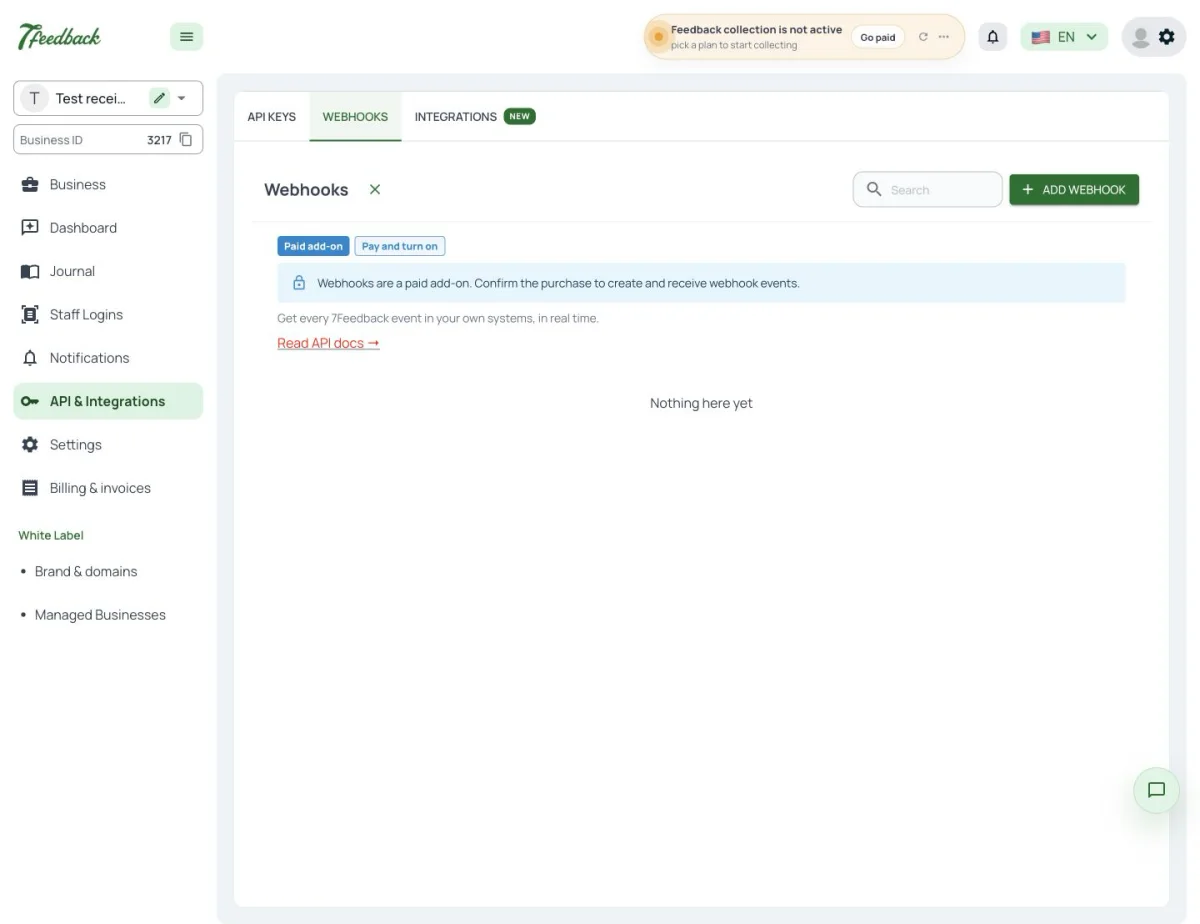
Every new review, from any channel, can reach your systems by Webhook, with
entity review and action created. Tick Reviews among the objects on the
Webhook’s page. Webhooks & Events is one of the add-ons of the paid plans.
Can our CRM receive every new review?
Yes, by Webhook. Tick Reviews among the Webhook’s objects; each new review arrives with entity review and action created.
Do Webhooks come with the plan?
Webhooks & Events is an add-on of the paid plans, billed separately.
Which reviews are sent by Webhook?
Every new review, from any channel.